
Get connected in under 3 minutes
Before you begin: You need a redeem code. If you don't have one, purchase a subscription first.
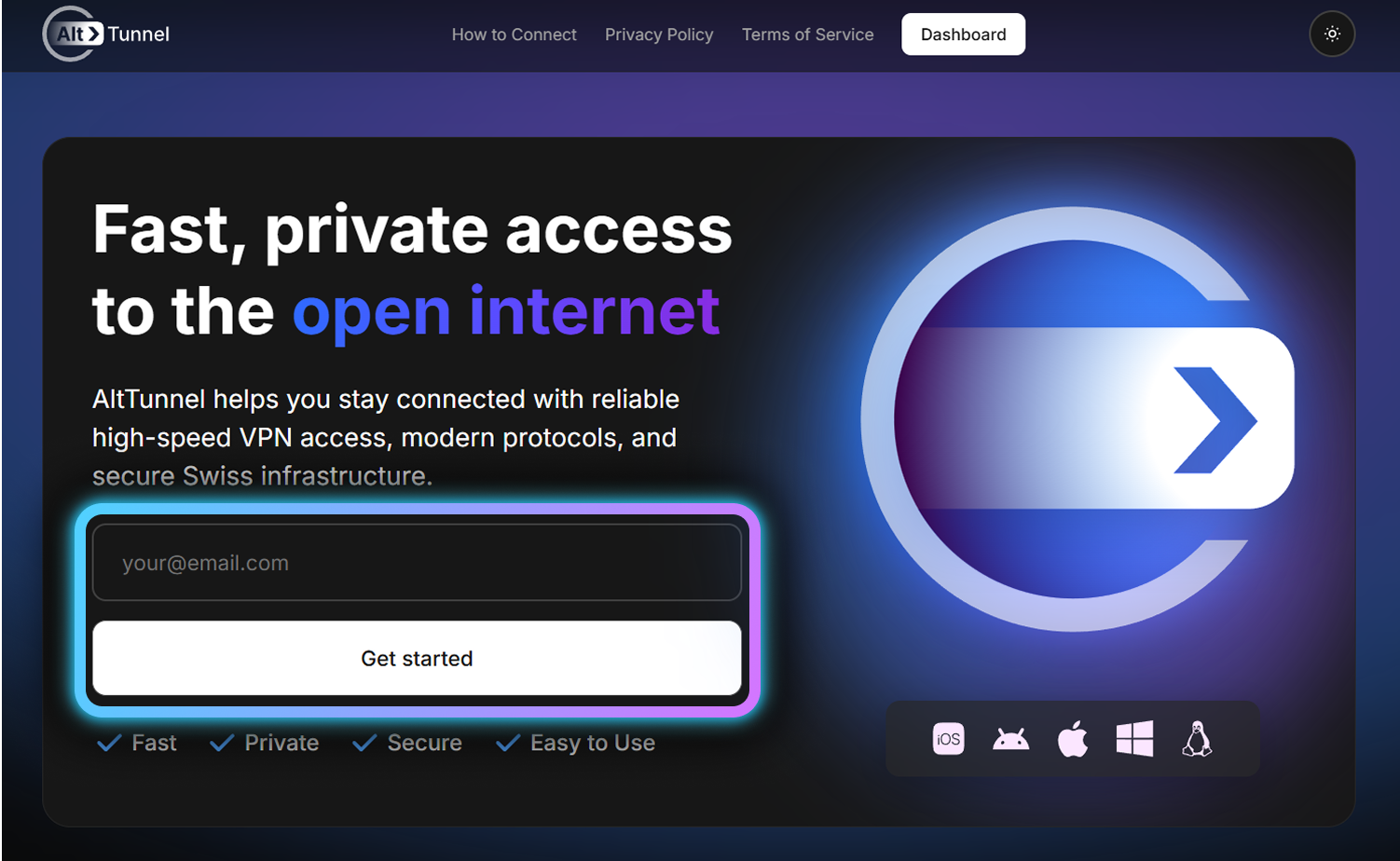
Go to flek.site and enter your email address. Click "Get Code".
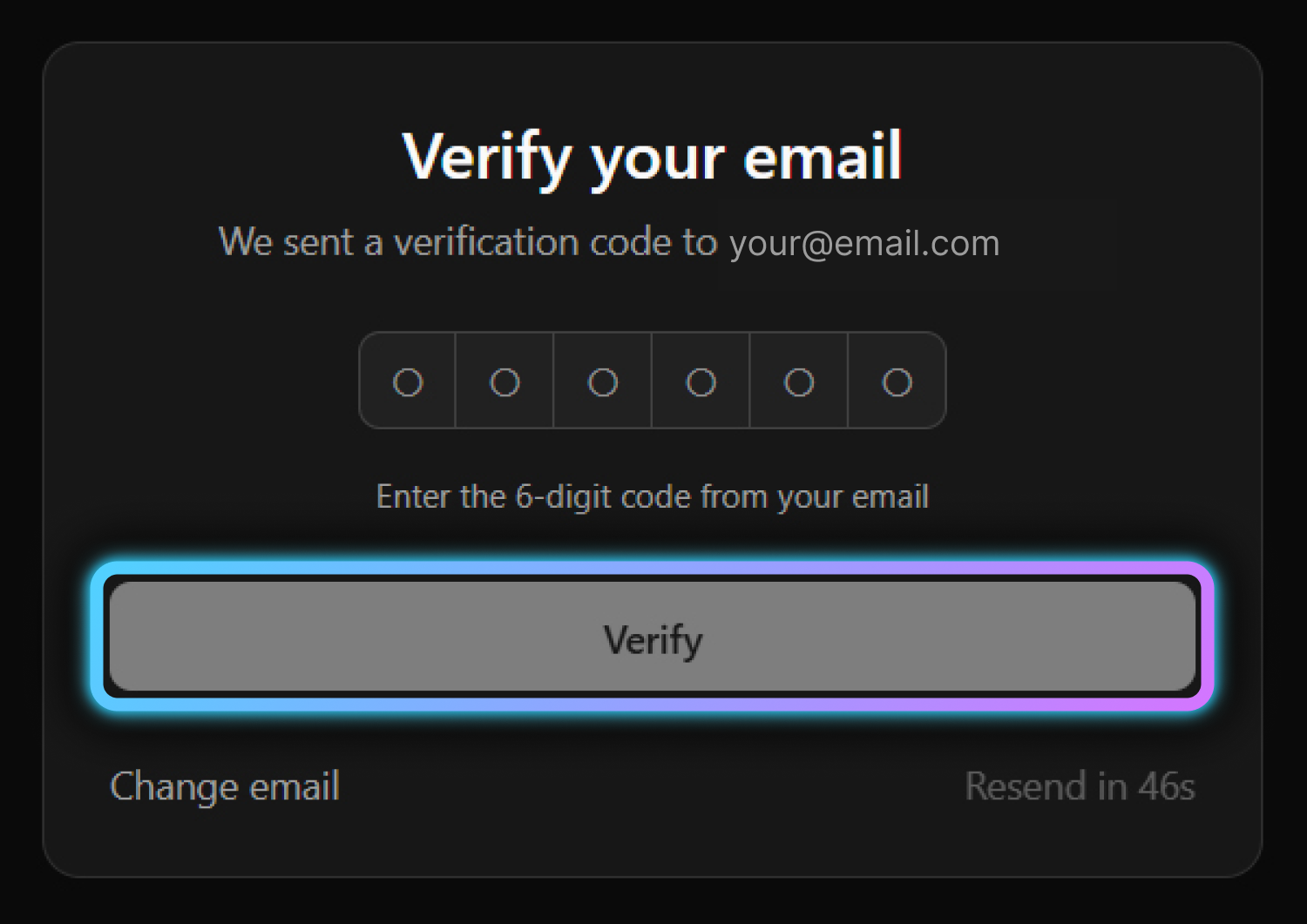
Enter the verification code sent to your email. Click "Verify".
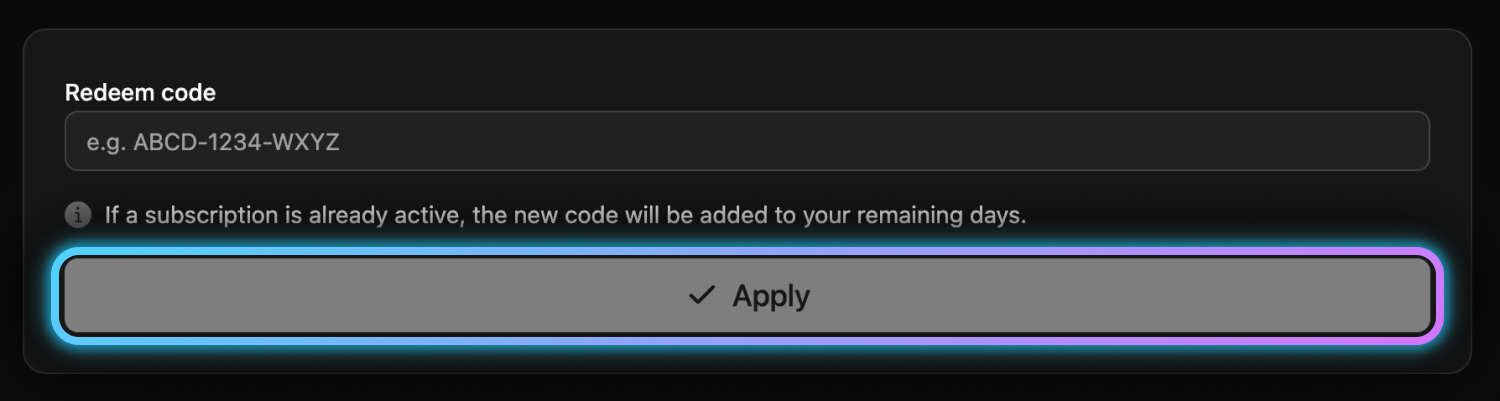
If your subscription has expired, go to "Extend tariff", enter a new code and press "Apply" to renew.
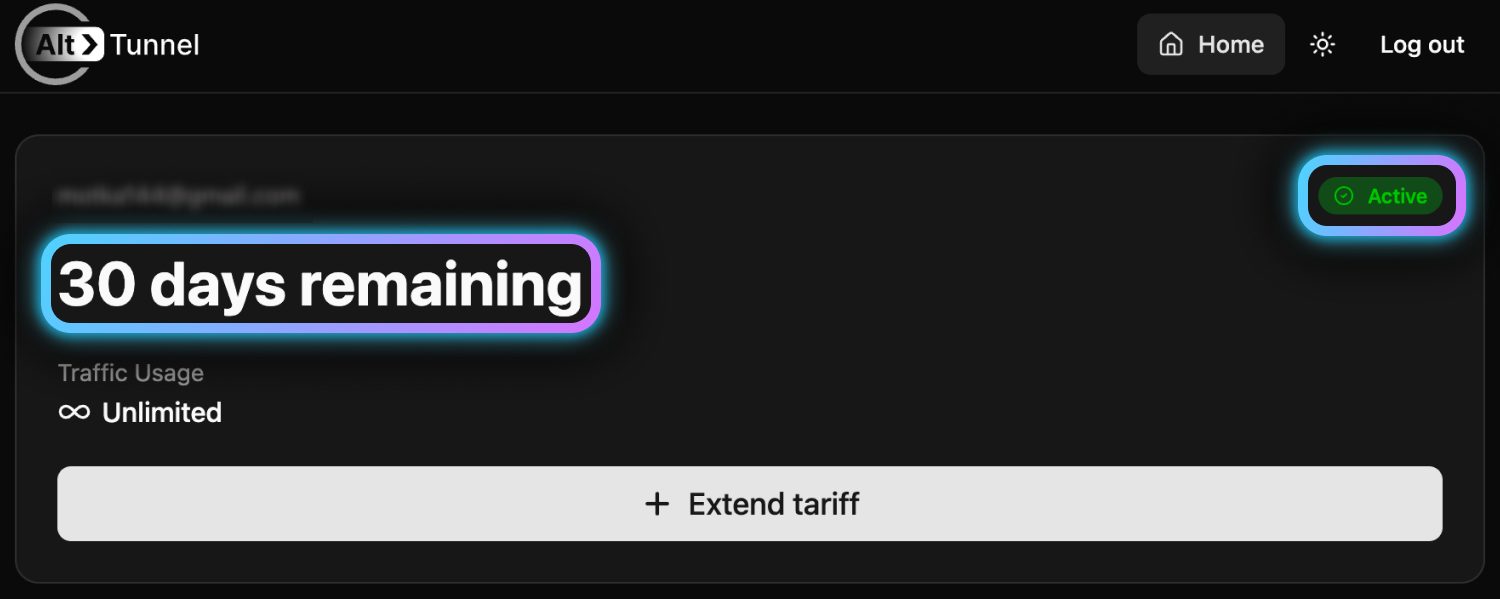
You'll be redirected to your dashboard. Make sure the subscription status shows "Active" and the expiration date is displayed.
Go to the "Add device" section on the website by clicking the "+ Add" button.
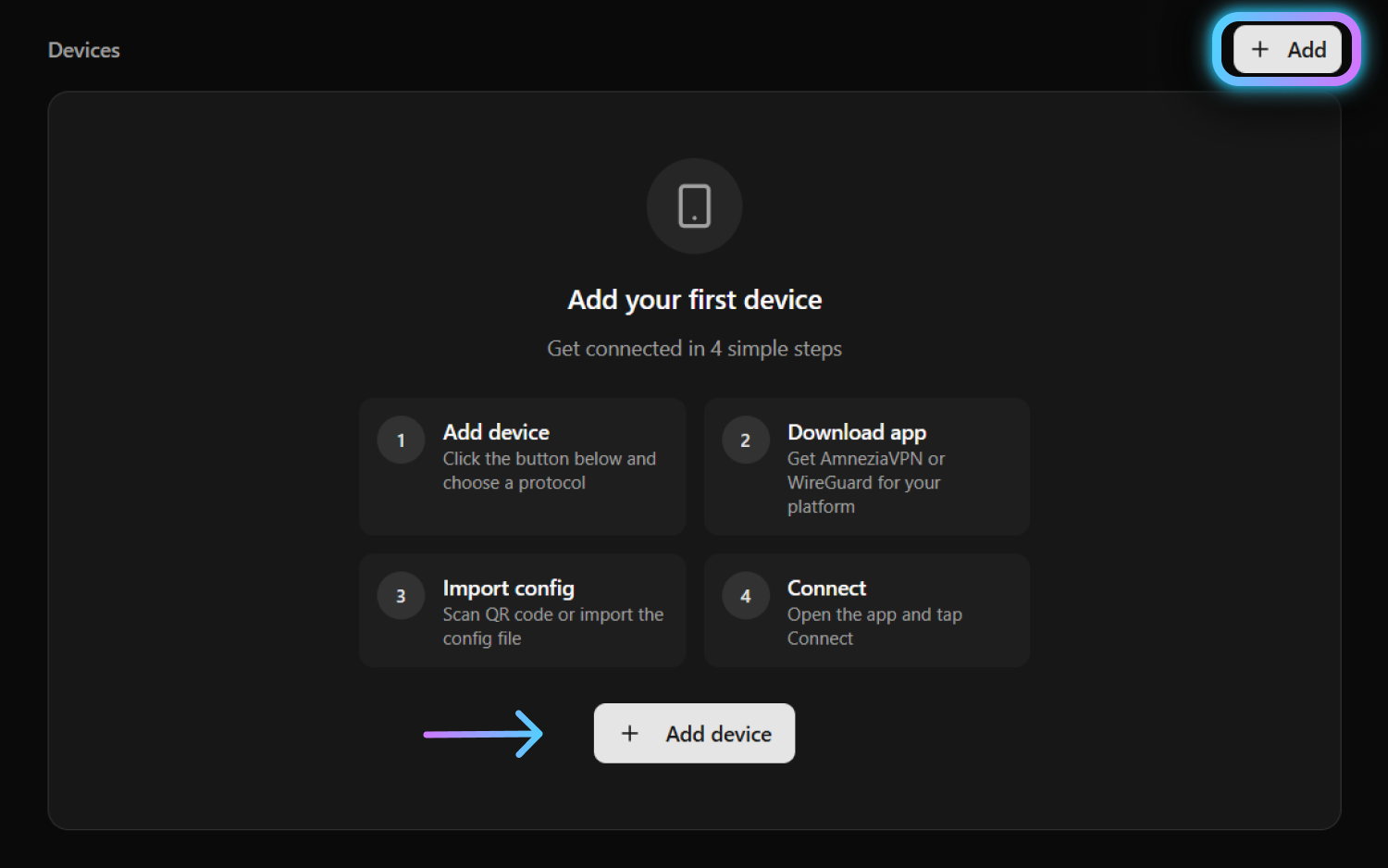
Enter a clear device name (e.g. "iPhone", "MacBook", "Work PC").
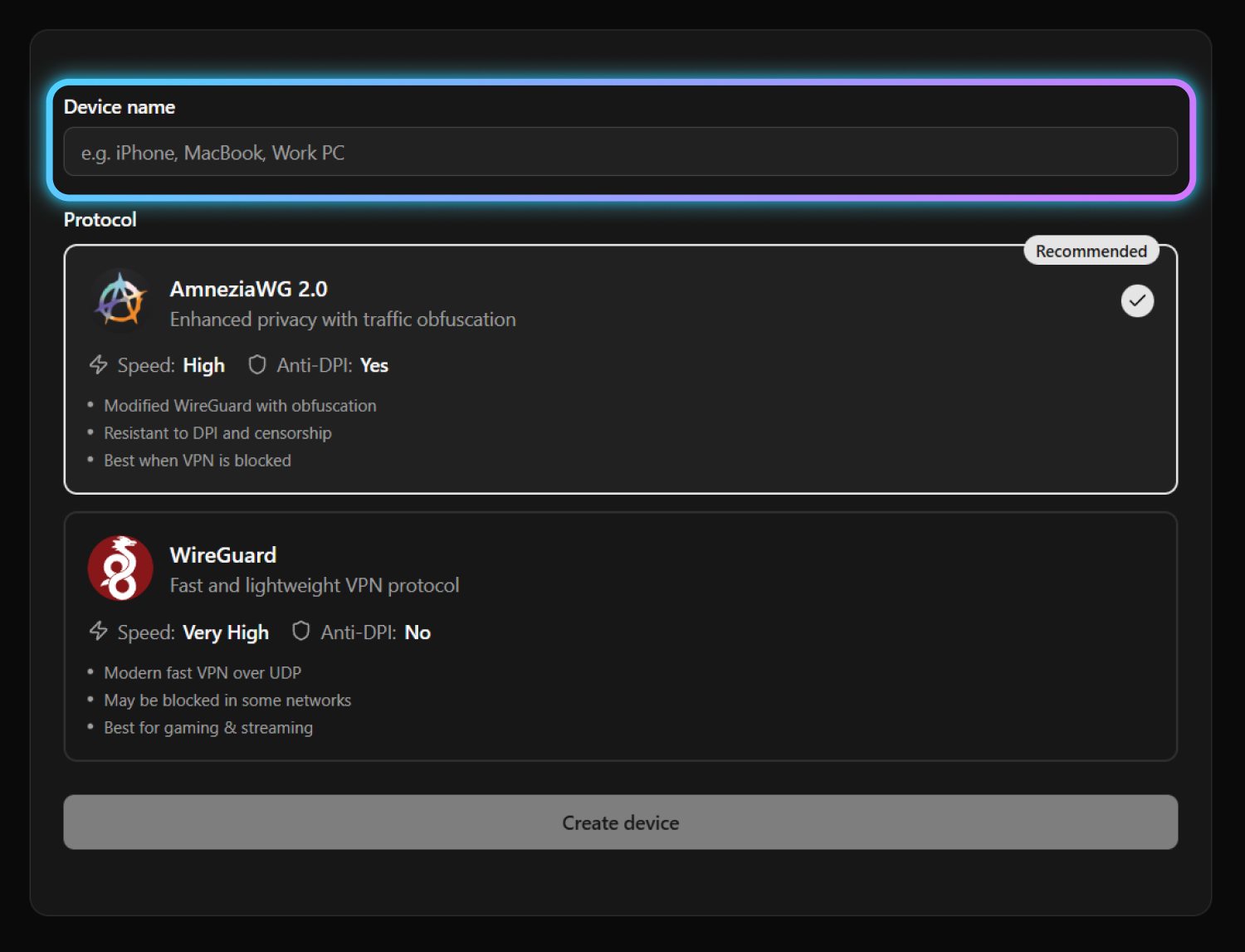
Choose the connection protocol:
| Protocol | Best for |
|---|---|
| Recommended AmneziaWG 3.1 | Maximum privacy and restriction bypass. Disguises VPN traffic as regular internet traffic, resists DPI and AI-based blocking. |
| WireGuard | Speed and simplicity. Regular use without restriction bypass. |
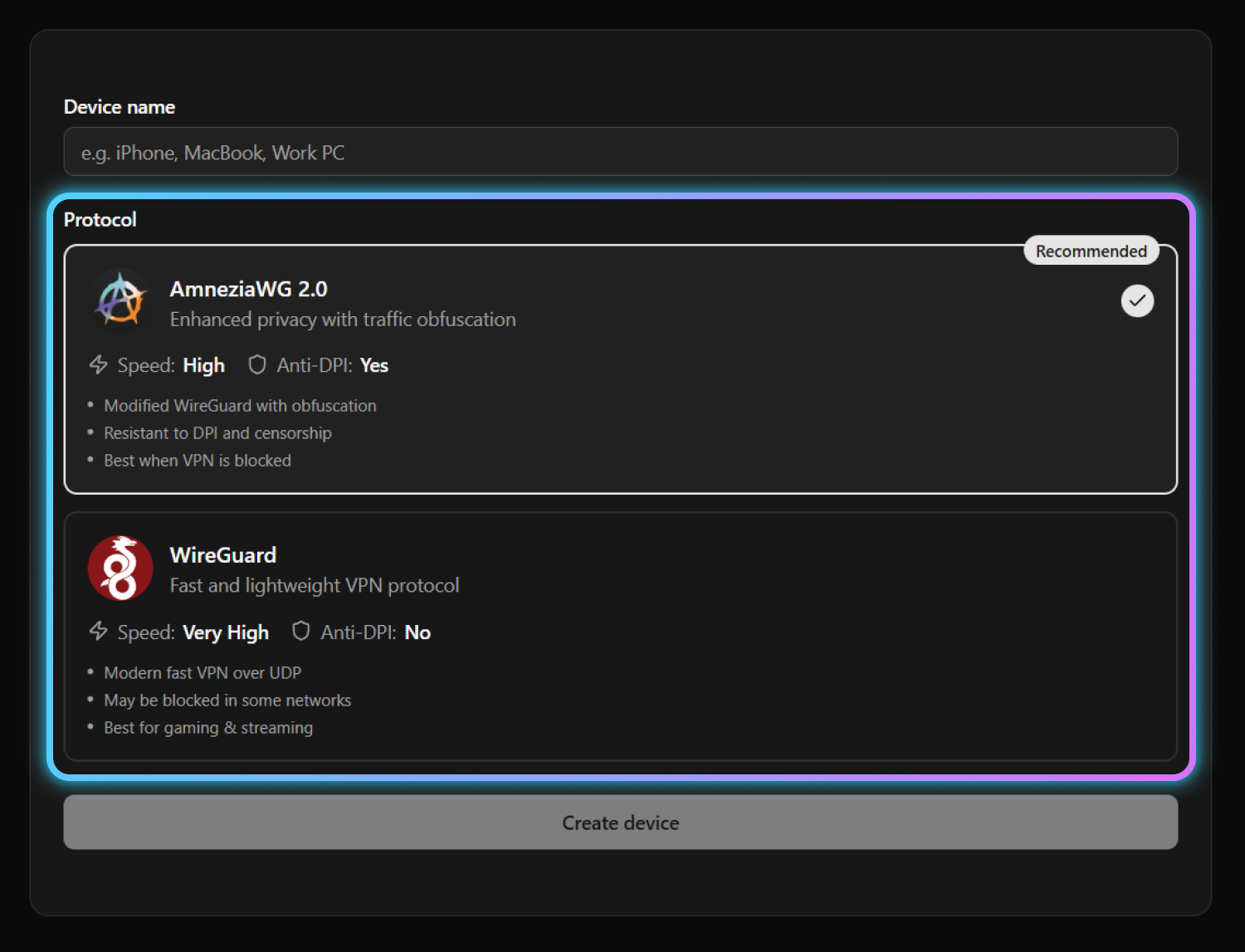
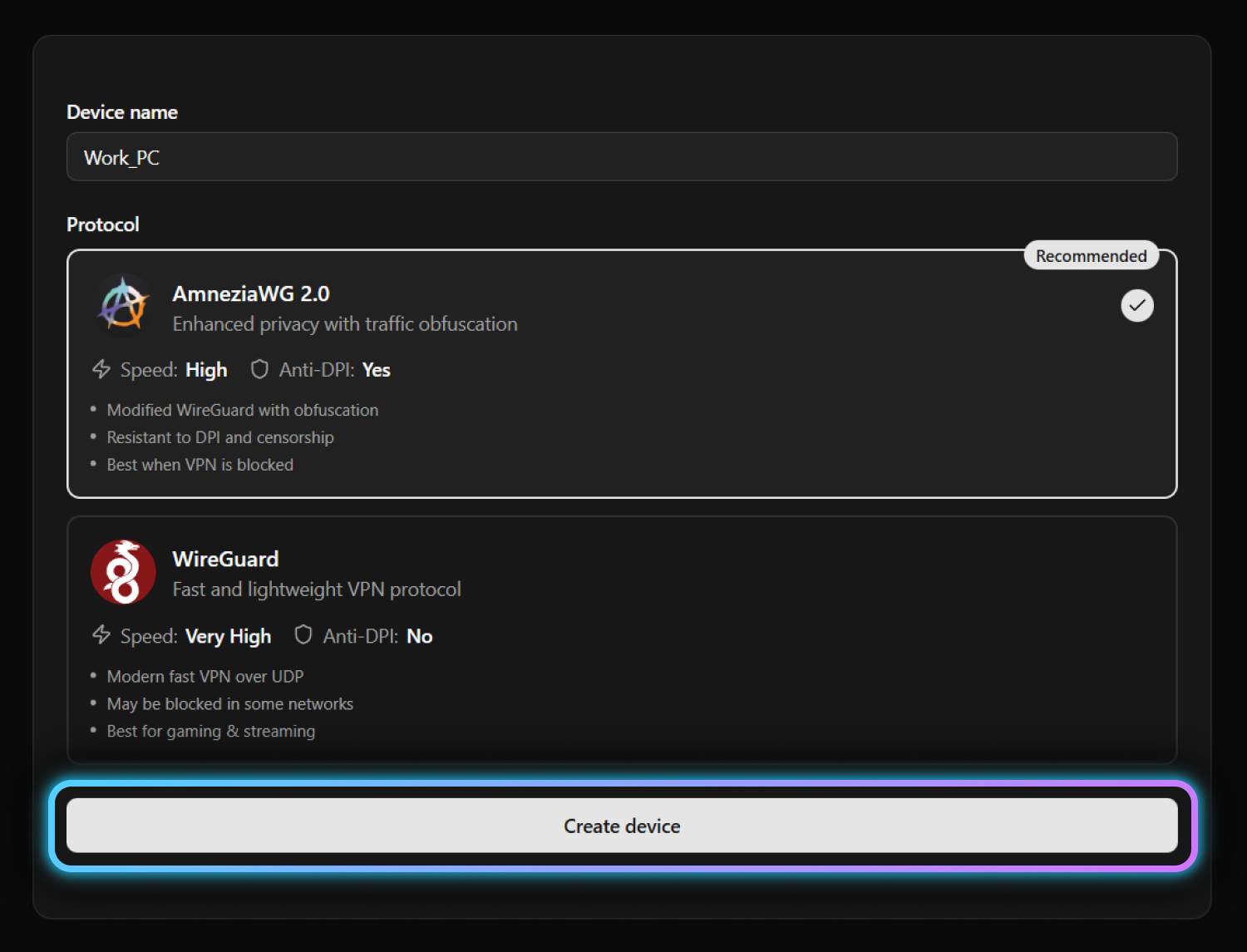
Click "Create device".
Select your platform to see the installation instructions:
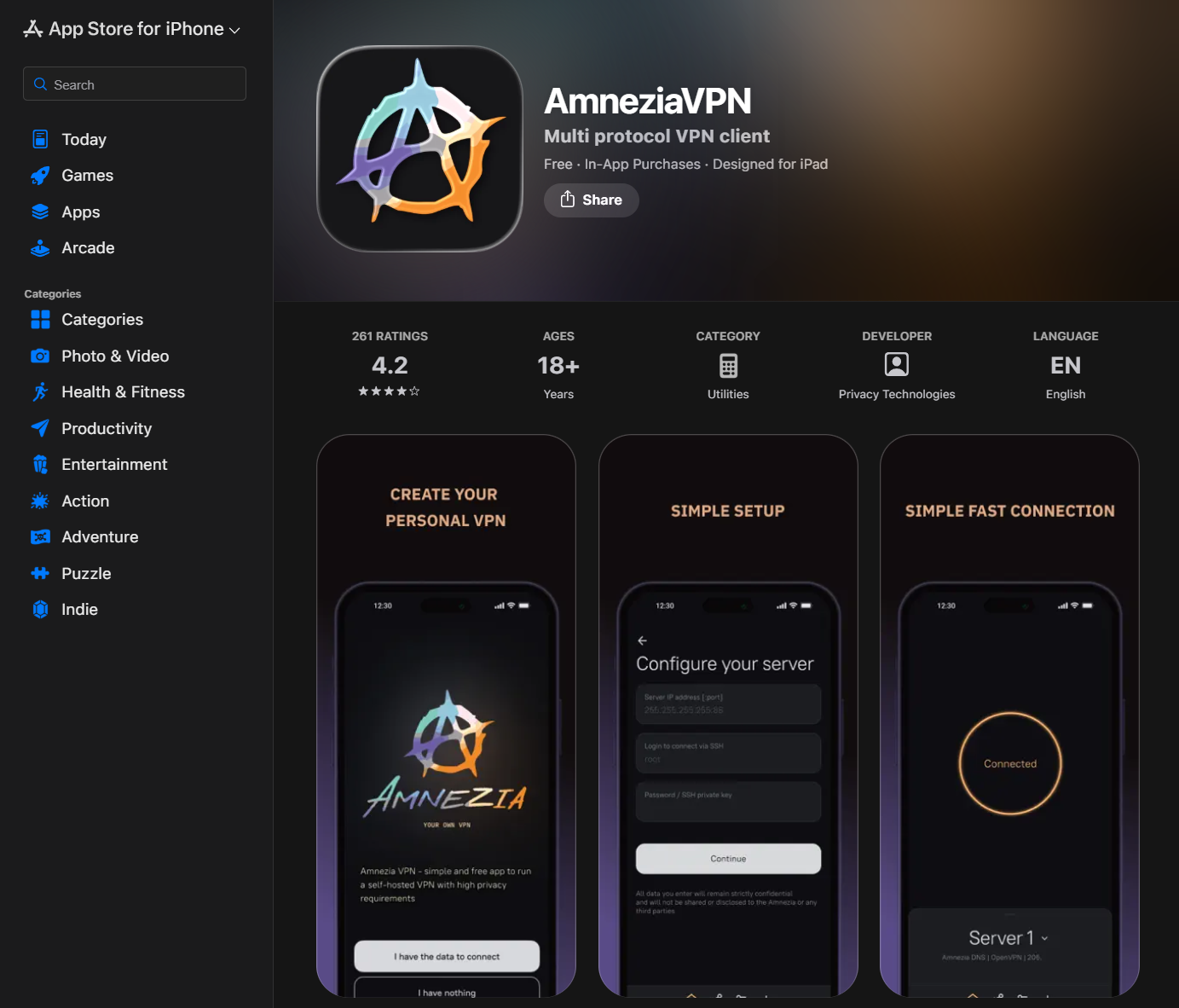
Download AmneziaVPN from the App Store:
AmneziaVPN 5.0.1.5 or newer is required for AmneziaWG 3.1.
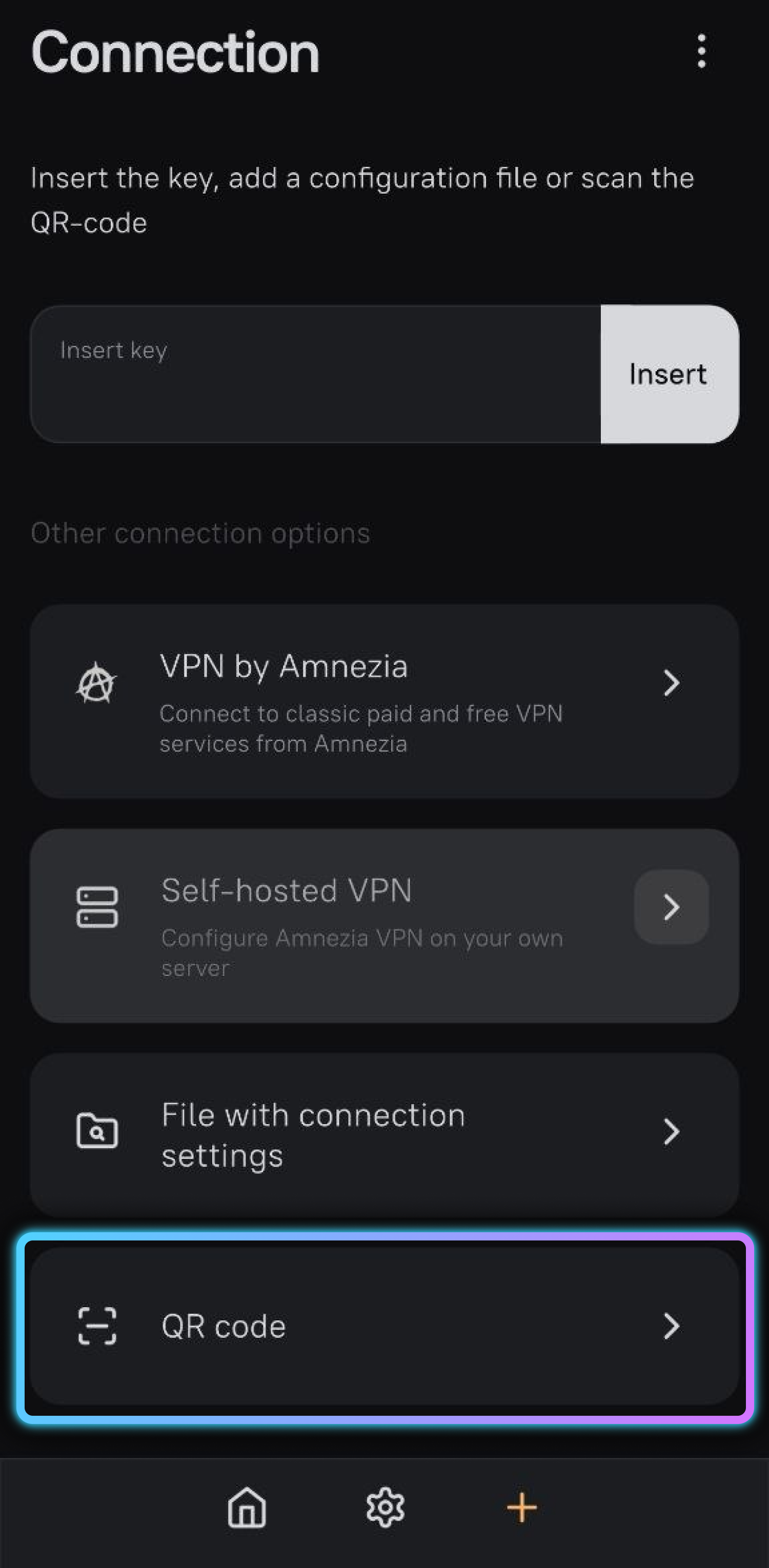
Open the AmneziaVPN app and tap "QR code".
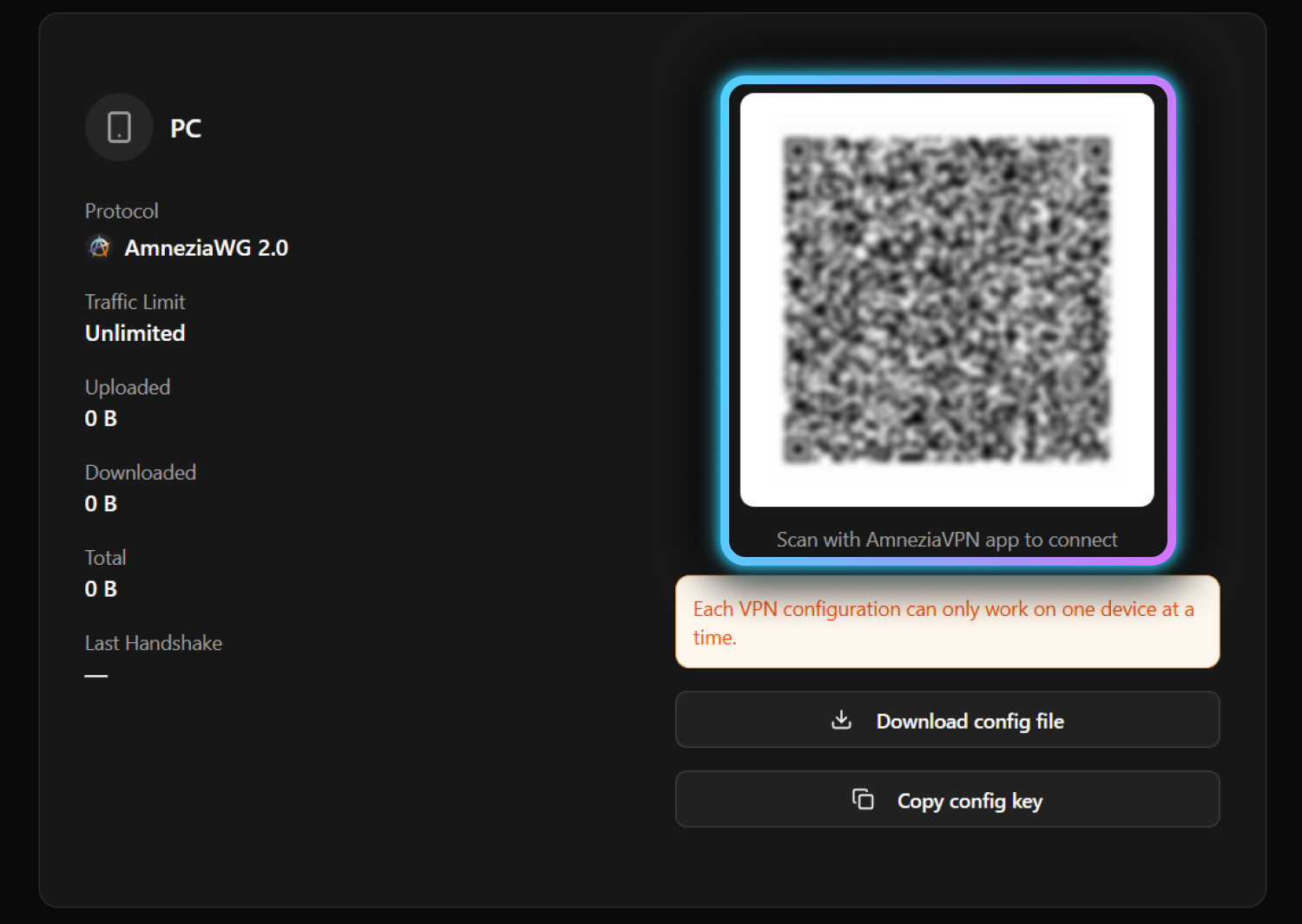
Scan the QR code displayed on your device page.
On the AltTunnel website, click "Copy config key".
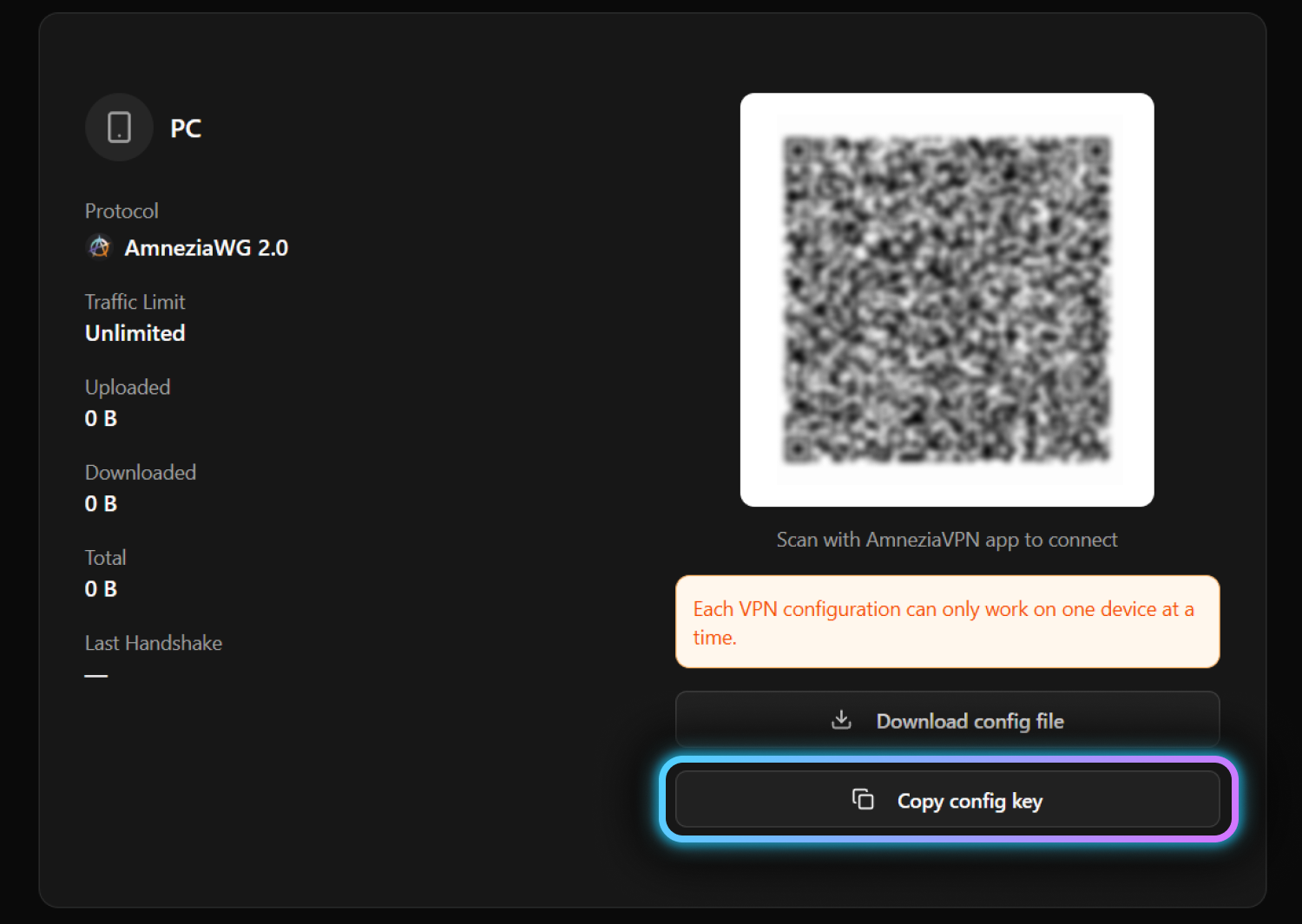
Paste the key into "Insert key" field and tap "Insert".
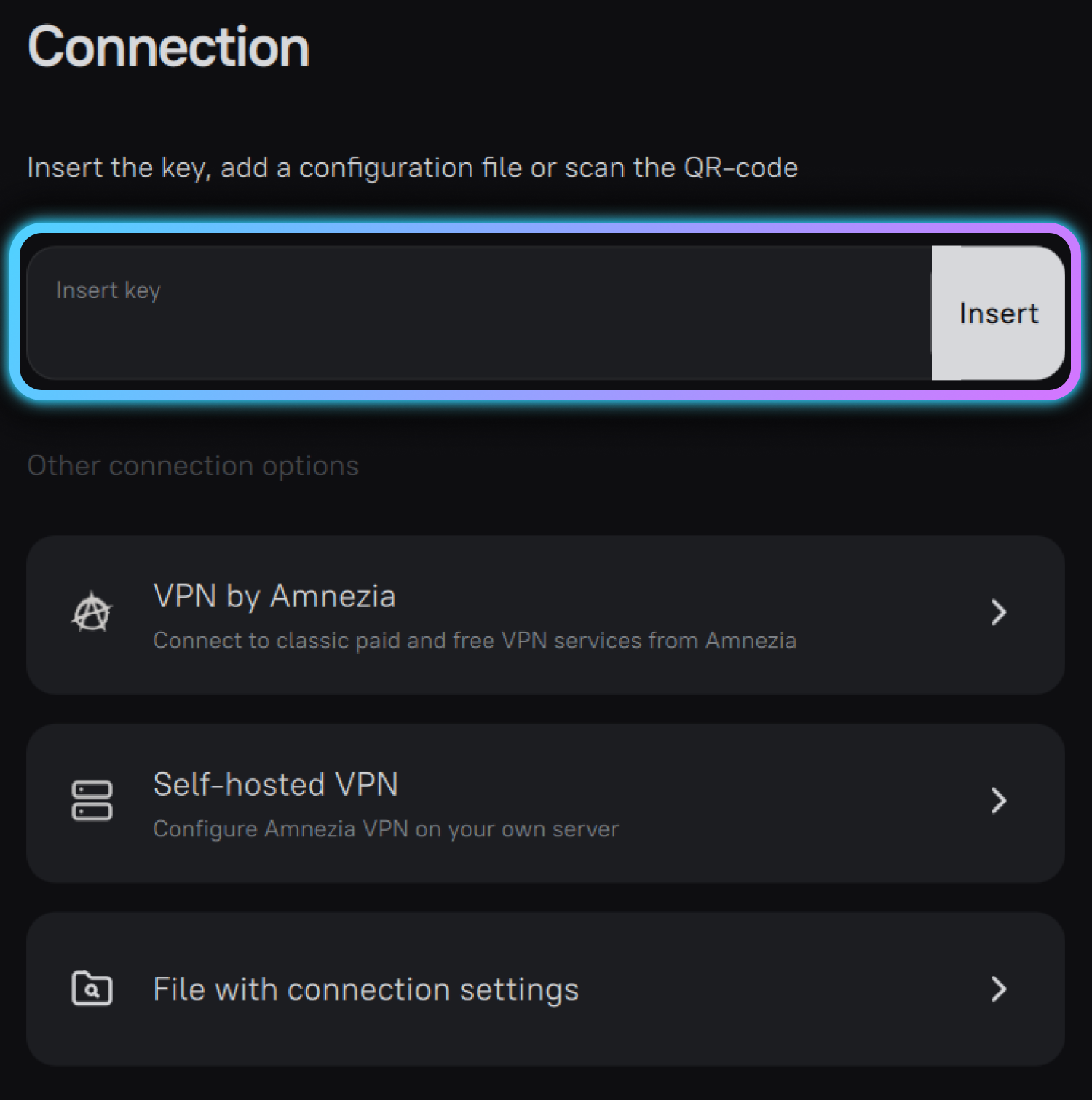
Done! You're now connected. The VPN icon should appear in your status bar.
Download AmneziaVPN from Google Play:
AmneziaVPN 5.0.1.5 or newer is required for AmneziaWG 3.1.
Open the AmneziaVPN app and tap "QR code".
Scan the QR code displayed on your device page.
On the AltTunnel website, click "Copy config key".
Paste the key into "Insert key" field and tap "Insert".
Done! You're now connected. The VPN icon should appear in your status bar.
Download AmneziaVPN for Windows:
AmneziaVPN 5.0.1.5 or newer is required for AmneziaWG 3.1.
Install the application following the installer instructions. Open AmneziaVPN after installation.
On the AltTunnel website, click "Copy config key".
Paste the key into "Insert key" field and click "Insert".
On the AltTunnel website, click "Download config file".
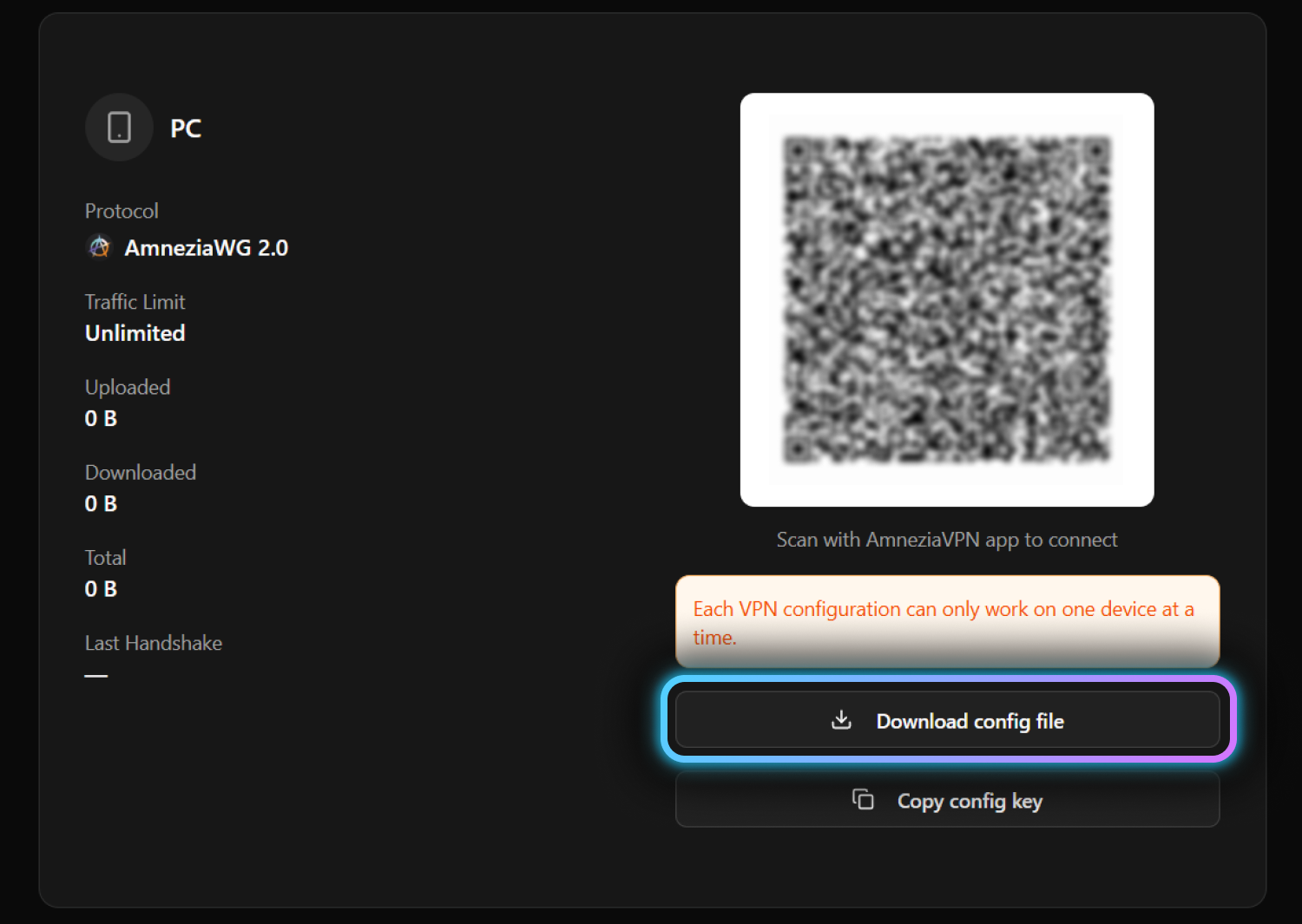
Open the downloaded file — it will automatically import into AmneziaVPN. Or click "File with connection settings" and select the file manually.
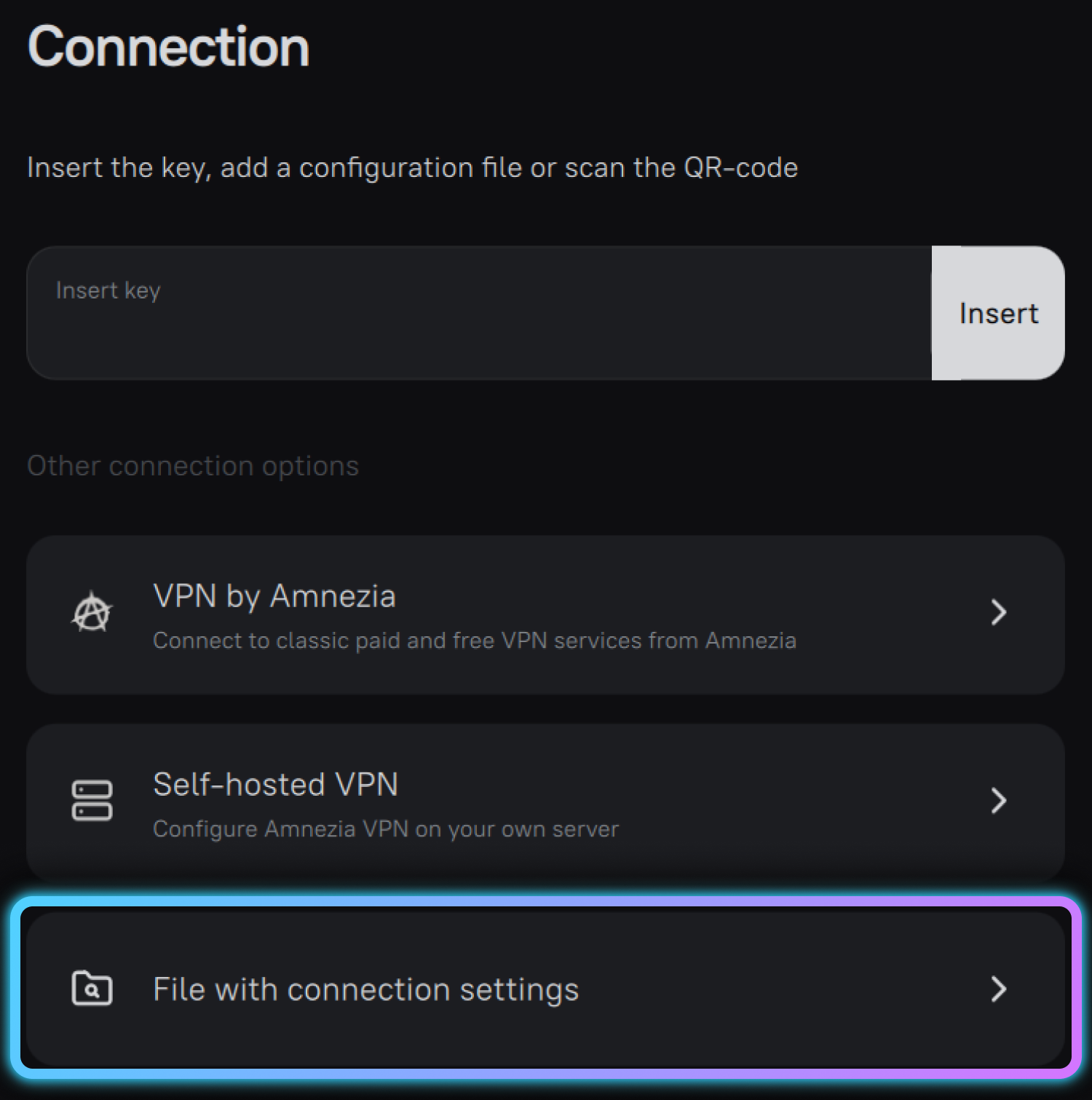
Done! You're now connected.
Download AmneziaVPN for macOS:
AmneziaVPN 5.0.1.5 or newer is required for AmneziaWG 3.1.
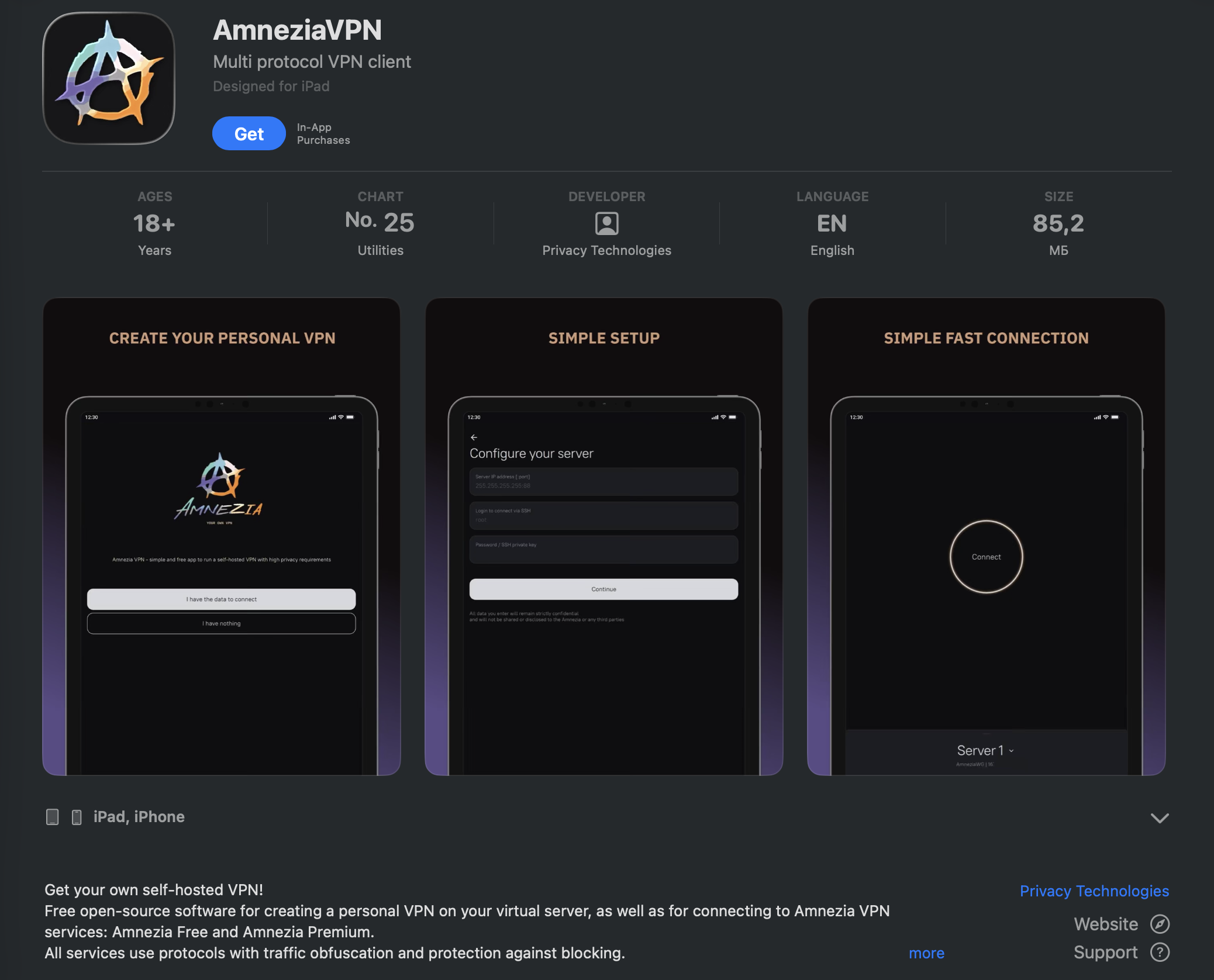
Install the application by dragging it to Applications folder. Open AmneziaVPN after installation.
On the AltTunnel website, click "Copy config key".
Paste the key into "Insert key" field and click "Insert".
On the AltTunnel website, click "Download config file".
Open the downloaded file — it will automatically import into AmneziaVPN. Or click "File with connection settings" and select the file manually.
Done! You're now connected.
This may happen due to regional restrictions. Try switching your App Store region, or download the app directly from https://amnezia-vpn.site/
Choose AmneziaWG 3.1 if you need to bypass restrictions and maximum privacy. Choose WireGuard for faster speeds and simple everyday use.
AmneziaWG 3.1 — the latest version. It hides the handshake and connection metadata, so traffic is resistant to DPI and AI-based traffic analysis. It requires AmneziaVPN 5.0.1.5 or newer.
Try switching to a different server region in your AltTunnel dashboard, then re-download the config file. Also check that your internet connection is stable.
Yes. Go to the "Add device" section and create a separate config for each device.
Log into your dashboard at flek.site, go to device settings, and select a different region. Download the new config file and import it into AmneziaVPN.
Make sure you're using the latest version of AmneziaVPN — AmneziaWG 3.1 requires AmneziaVPN 5.0.1.5 or newer. Update the app, then re-download the config file. If the problem persists, contact support.